
Mini Map (Package Asset) 🗺🚩
💡
5
🔥
2
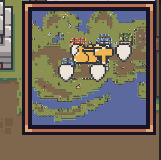
Simple and practical mini map (no code necessary).
Before Import
Open an object in the scene, in the inspector top-right cornor click in layer and create a new layer called “Map”.
Import Asset
Asset comes with UI prefab, a canvas pin showing different icons in the map, and other things that do not matter now.
Setup UI & Map
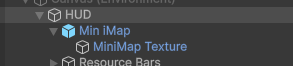
- Open “HUD” prefab and drag and drop the “MiniMap” prefab inside.
Setup Eagle View Camera
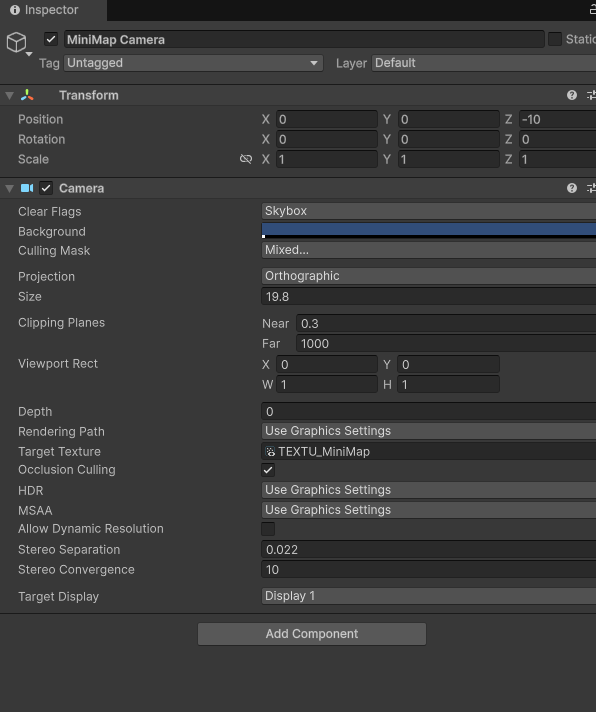
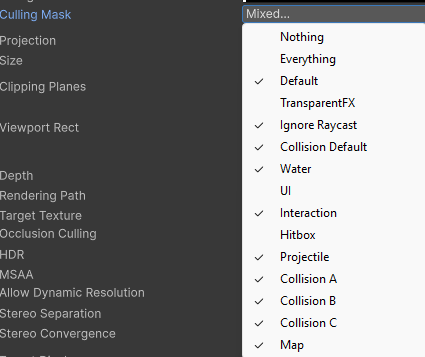
Open the 0_hero_base,add a camera and name it (minimap). Setup the camera like in the print. Change the Culling Mask property in the camera to show only what you want (example image in attachment
Also change the hero camera (the already existent one) Culling Mask removing the Map layer from it.
Map Icons
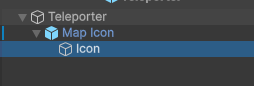
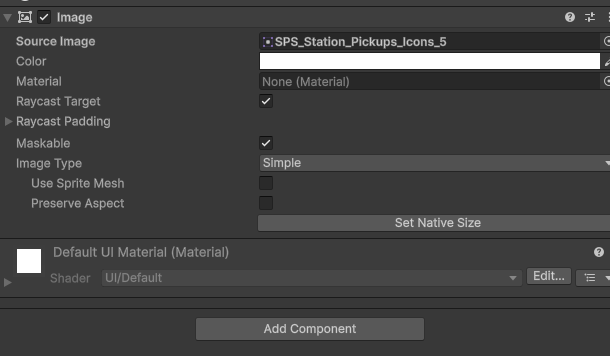
- Open any prefab on anything you want that you want to show icon in the map (for example: “Teleporter” prefab, chests, enemies, mission npcs, …), drag the “Map Icon” inside of it and inside and change the icon (the icon its the child component of the “Map Icon”)
💬 Comments (2)
Want to continue the conversation?