
Gamepad Rumble
🔥
4
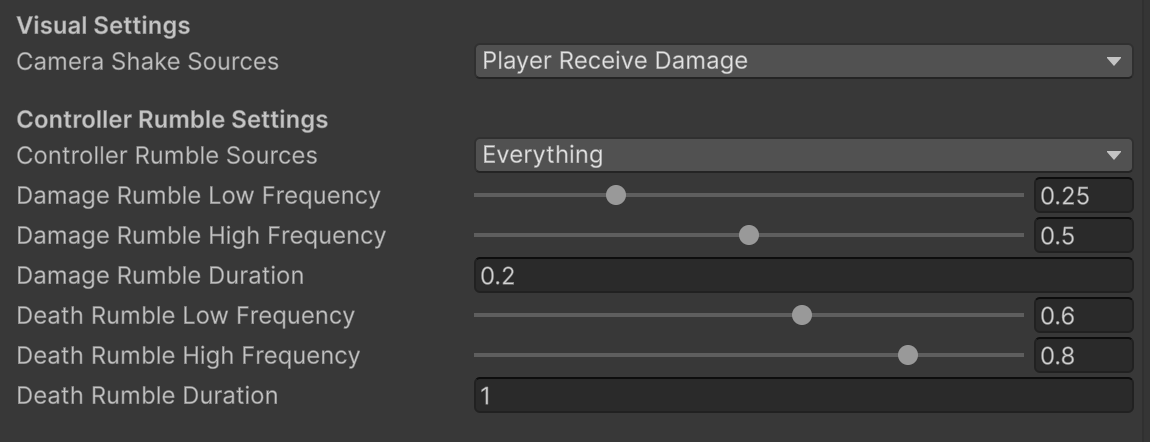
Adds configurable rumble to compatible controllers on hit and/or on death.
1. In GameConfig.cs, under ECameraShakeSources
Add:
    [System.Flags]
    public enum EControllerRumbleSources
    {
        None = 0,
        PlayerReceiveDamage = 1 << 0,
        PlayerDeath = 1 << 1
    }
2. Download the GamepadRumble.cs script, and attach it to your Hero Base
3. In CFG_Game: Select Controller Rumble Sources and add Player Receives Damage, Player Death (Or however you’d like to configure)
Done!
💬 Comments (9)
📜 Scripts
📜 Scripts
Want to continue the conversation?